How to Use a Bitcoin ATM for the First Time: A Step-by-Step Guide
By Bitstop
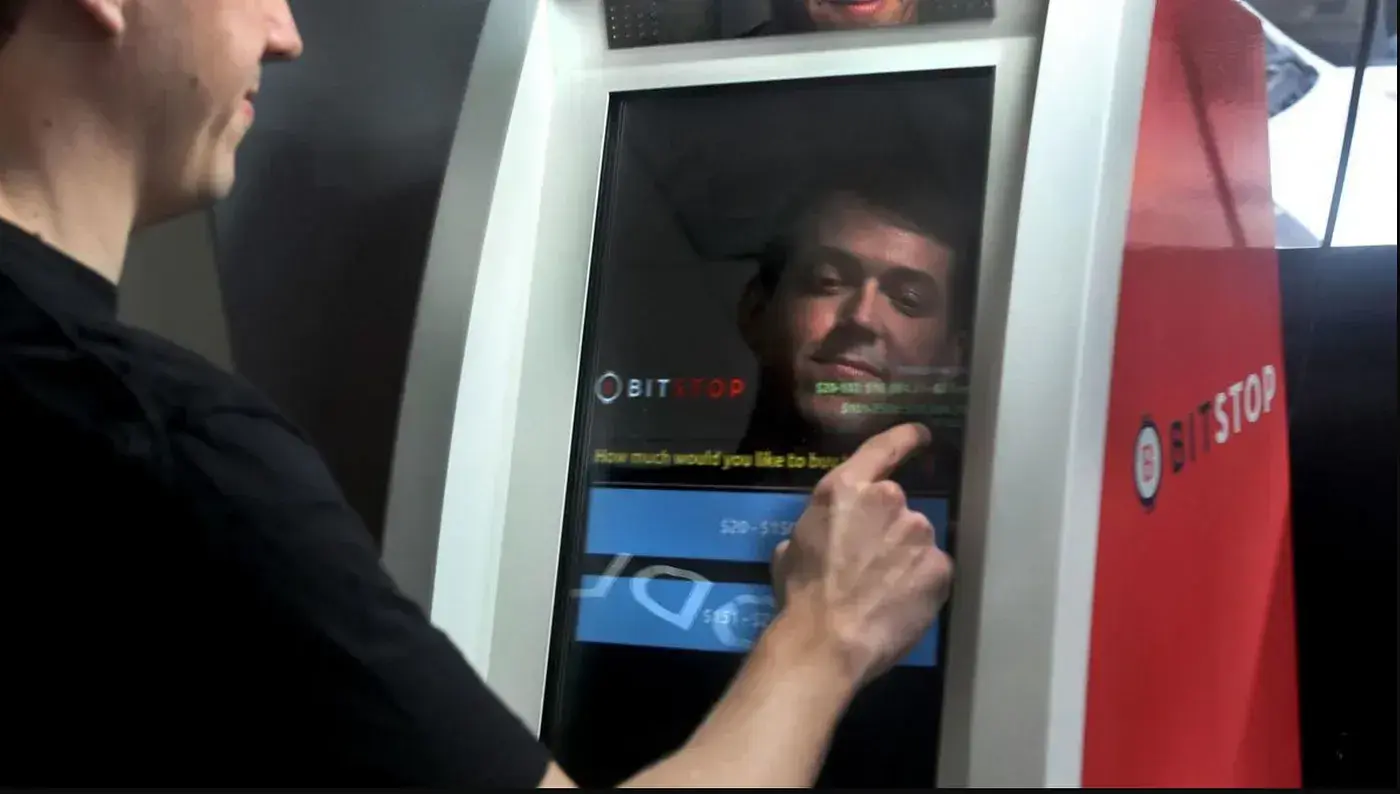
To use a Bitcoin ATM for the first time, bring cash, your phone and a crypto wallet app. At the machine, tap "Buy Crypto," choose Bitcoin, enter your phone number and set a PIN, scan your wallet's QR code, insert your cash and tap "Send." A first visit to a Bitstop ATM takes about 3 to 5 minutes (under two minutes after that), and Bitcoin typically arrives in your wallet in 10 to 30 minutes.
No bank account, no card, no online exchange. This guide covers what to bring, each step at the machine, where you see your price, and the one rule that keeps you safe. New to the idea? Start with what a Bitcoin ATM is and how it works.
What to bring
Three things:
- Your phone. Your phone number and a PIN are your login at the machine.
- A crypto wallet app. This is where your Bitcoin goes. Any wallet with a QR receive address works. Exodus, Trust Wallet and MetaMask are common choices, and our wallet guide covers how to pick one. Install it before you leave home. The Bitstop app isn't a wallet; it manages your account, receipts and coupons.
- Cash. $10 is the minimum purchase, and the machines take bills up to $100.
Depending on how much you buy and which state you're in, the machine may ask you to scan a government-issued photo ID. It tells you when.
Before you go: two things that save time
Register ahead. Create your account in the Bitstop app or on the web before your first visit. At the machine, your login is then just your phone number and PIN, and you can buy up to your full limits right away instead of verifying at the machine.
Find an ATM. Use the Bitstop ATM map to find the closest of 3,000+ machines (Bitstop, September 2026). Functions vary by location, and the map shows which ATMs sell crypto and which sell gold too. Many sit inside stores open 24 hours; hours vary by location, and the map shows them.
First visit vs registered ahead
| First visit, no account yet | Registered ahead in the Bitstop app | |
|---|---|---|
| Login at the machine | Enter your phone number, set a PIN, and register once | Phone number and PIN |
| Time at the machine | About 3 to 5 minutes | Under two minutes |
| ID | The machine may ask for it, depending on amount and state | Verification done ahead of time in the app |
| Limits | Set by your verification tier and state | Buy up to your full limits right away |
How to use a Bitcoin ATM, step by step
1. Tap "Buy Crypto"
The home screen asks what you'd like to do. Choose crypto.
2. Choose Bitcoin
Pick Bitcoin from the list. The same steps work for every coin on the machine.
3. Enter your phone number and PIN
That's the whole login. On your first visit you'll set a PIN and register once at the machine, unless you already registered in the app. If your purchase needs an ID, the machine prompts you to scan it here.
4. Scan your wallet
Open your wallet app, tap "Receive" on the Bitcoin screen, and hold the QR code up to the scanner. This tells the ATM exactly where to send your Bitcoin.
Only scan your own wallet. Never scan a QR code someone else sent you. More on that below.
5. Check your price, then insert cash
Before any cash goes in, the screen shows your exchange rate and Bitstop's fee as its own line. If you're happy with them, insert your bills. Your price locks the moment your first bill goes in, and the screen shows exactly how much Bitcoin you'll receive.
6. Confirm and send
Review the amount, the asset, the rate and the wallet address. Tap "Send."
7. Get your receipt
You'll get a printed receipt and a copy by text. Keep it: the transaction ID on it is what support uses to look up your purchase. The same rate and fee appear on the receipt and in your account history.
How long until the Bitcoin arrives
Bitcoin typically lands in your wallet in 10 to 30 minutes, depending on how busy the Bitcoin network is. Most other assets arrive in under five minutes. Your wallet may show the incoming payment as "pending" before it confirms. That's normal.
If it hasn't arrived after two hours, call Bitstop support at (855) 524-8786 or email support@bitstop.co with your receipt's transaction ID. Support is available 24/7.
What it costs
You see the rate and fee before you insert a single bill, and nothing is added afterward. Our fee guide explains why ATM fees exist and how to lower yours:
- A 10% coupon on the machine.
- New-account welcome coupons of 10% to 20%.
- App coupons, sent two to three times a month.
One coupon applies per transaction.
If you're buying digital dollars rather than Bitcoin, stablecoins like USDC typically carry fees up to 10% lower than other cryptos. Here's how to buy USDC with cash.
Some Bitstop ATMs are run by independent operators who license Bitstop's software. At those machines, the operator sets the rate and fee. The operator is named on the help screen, your receipt, and the ATM map.
The one rule: only use your own wallet
Scammers use Bitcoin ATMs because crypto transactions are final. The script changes, but the ask is always the same: someone tells you to bring cash to a Bitcoin ATM and send it to a wallet they control. It might be a caller claiming to be the government, your bank, a utility, tech support, or someone you met online.
No legitimate business or agency asks for payment at a Bitcoin ATM. If someone is on the phone telling you what to press, stop and hang up. The machine will warn you too. Learn the common scripts in Watch Out for Scams and on our fraud prevention page, or read are Bitcoin ATMs safe? If you've already sent money, contact Bitstop support right away at (855) 524-8786.
Ready to try it?
Find the nearest machine on the Bitstop ATM map, or download the Bitstop app to register ahead, track your purchases, and pick up coupons.
FAQ
Do I need an ID to use a Bitcoin ATM?
Sometimes. Depending on how much you buy and which state you're in, the machine may ask you to scan a government-issued photo ID, such as a driver's license, state ID card or passport. It tells you when. The scanner reads it directly, so you never hand it to anyone.
Do I need a bank account?
No. You need cash, a phone and a crypto wallet app. Nothing at a Bitstop ATM connects to a bank account or card.
How much Bitcoin can I buy at a Bitcoin ATM?
The minimum is $10 at any Bitstop ATM. Your daily maximum depends on your verification tier and your state. The "Remaining Purchase Power" figure on the machine shows exactly how much you can buy right now, and you can raise your limit by upgrading your verification in the Bitstop app. For $10,000 to $100,000, use the Private Client desk.
How long does it take for Bitcoin to show up in my wallet?
Bitcoin typically arrives in 10 to 30 minutes, depending on how busy the Bitcoin network is. Most other assets arrive in under five minutes. If your Bitcoin hasn't arrived after two hours, call Bitstop support at (855) 524-8786 with the transaction ID from your receipt.
Can I sell Bitcoin at a Bitstop ATM?
No. Bitstop ATMs are for buying. For larger purchases, Bitstop's Private Client desk handles OTC purchases by wire.
Can I buy other coins besides Bitcoin?
Yes. The same steps work for Ethereum, Dogecoin, XRP, Solana, stablecoins like USDC and USDT, and more. See the full list on supported cryptocurrencies.
Bitstop provides access to digital assets. Nothing here is investment advice, a price prediction, or a guarantee of value. Digital asset transactions are subject to identity verification, AML procedures, and sanctions screening. Availability, limits, and pricing vary by state and location.